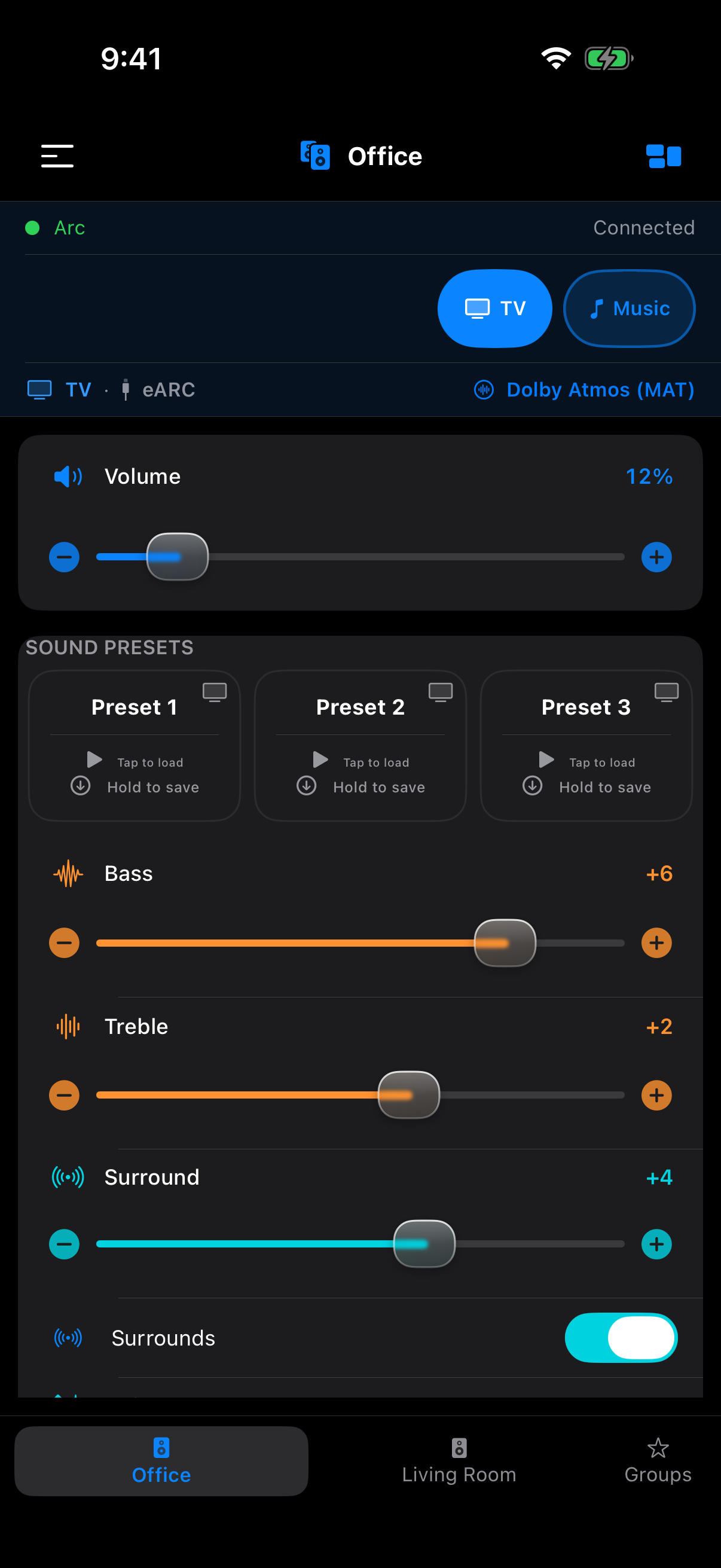
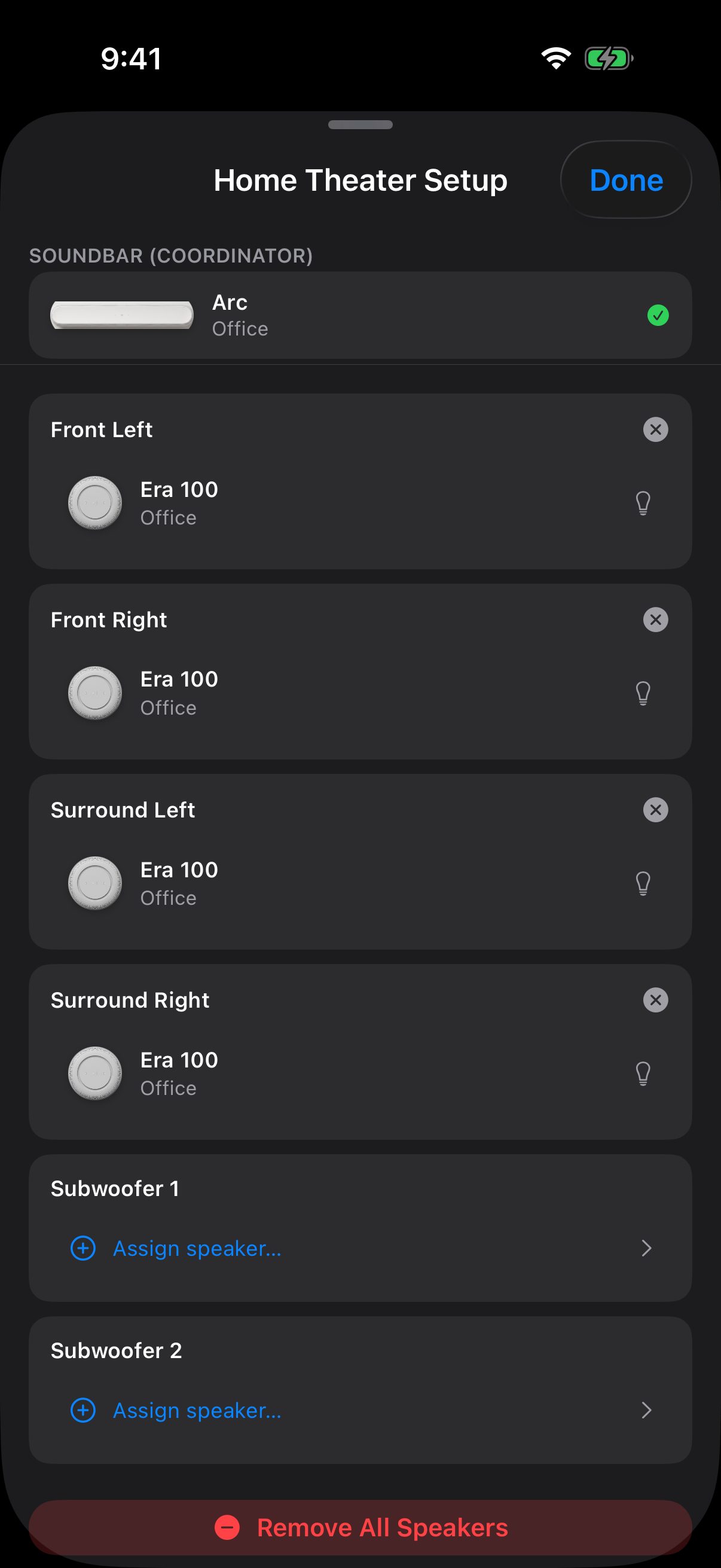
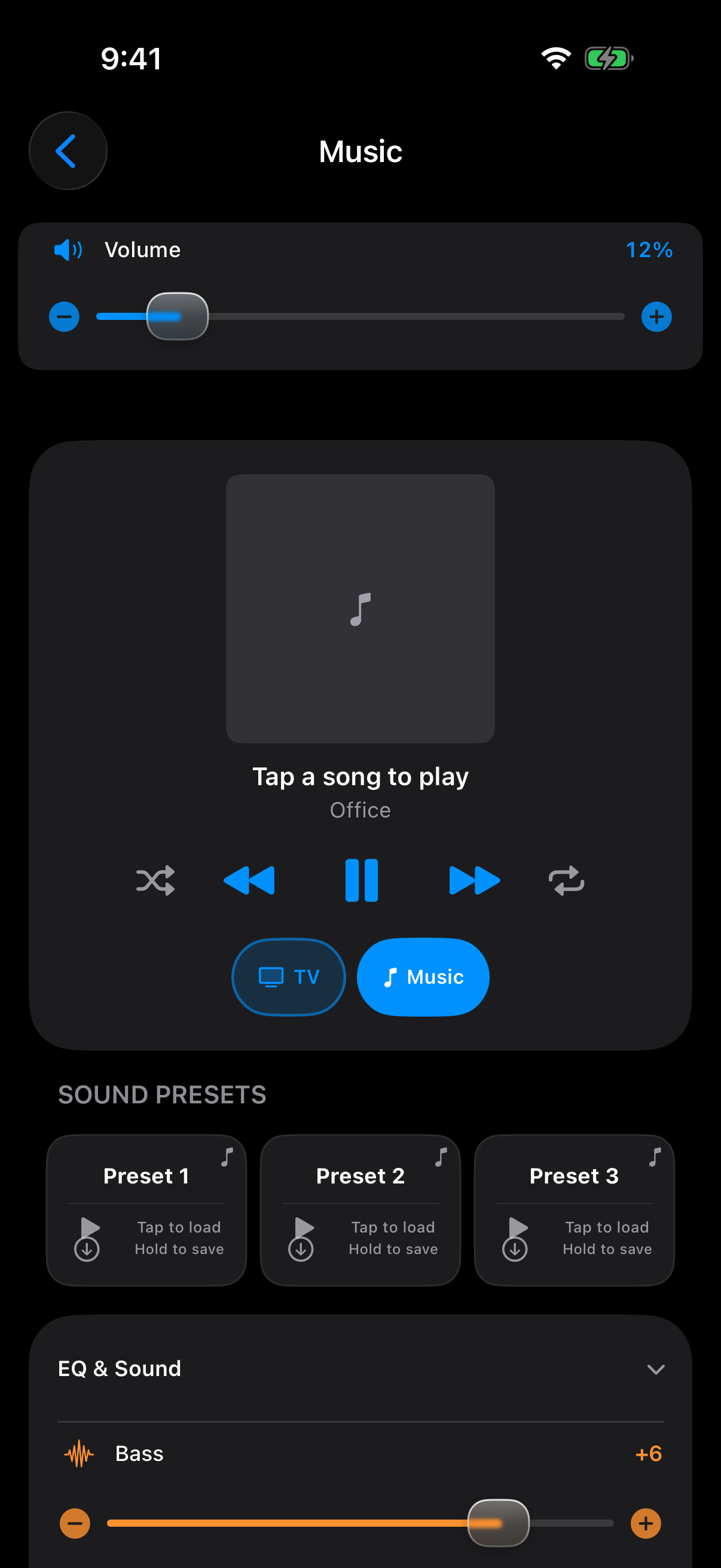
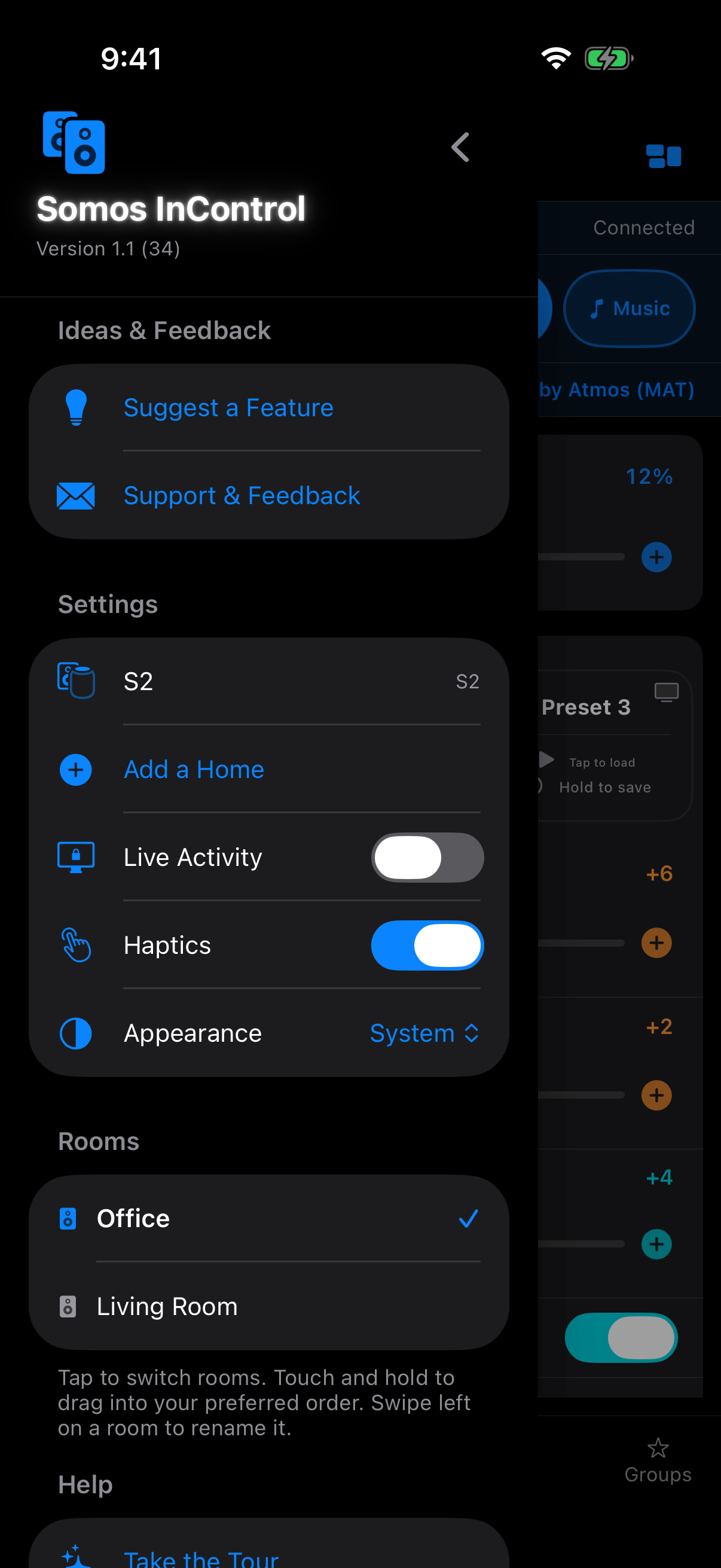
Somos InControl is designed to stay on your local network and mind its own business. We don't collect any data, and we don't have any servers that see your activity. On its own, the only thing the app talks to on the internet is Sonos®'s own public image library (to show you photos of your speakers); once you link a music service, using it talks to that service directly from your phone too — see below for exactly what that involves. Your settings stay on your device and, if you're signed in to iCloud, in your own iCloud storage. The optional Whole Home purchase goes through Apple's App Store. No account. No analytics. No ads.
Nothing. Somos InControl does not collect, transmit, or store any personal information. The app uses no analytics, no advertising identifiers, no crash reporting SDKs, and no third-party code that phones home. It contains zero third-party libraries; it's built entirely on Apple's own frameworks.
This website counts page views, and that is the only thing it counts. Each page loads a tiny invisible image from our own counter, which records the date and which page was opened — nothing else. No IP address, no browser details, no referrer, no cookie, no identifier of any kind, and nothing that could be joined up to say one person visited twice. We cannot tell who you are and we are not trying to. The counter runs on our own Cloudflare account; no third party is involved, and if it fails to load the page carries on as normal.
The website is a separate thing, and it is entirely opt-in. The forms on this site — support, suggestions, and the music-services poll — send us whatever you choose to type into them, and nothing else. The music-services poll asks for nothing but your picks. The support and suggestion forms ask for your name, email, subject and message, because without an email there is no way to reply to you. The app never fills any of this in for you.
To find your Sonos® speakers, the app uses two standard local discovery methods on the Wi-Fi network your device is connected to:
_sonos._tcp Bonjour service.Once speakers are found, the app controls them using the publicly documented local control protocol Sonos® speakers expose on their own network port. All discovery and control traffic stays on your Wi-Fi network.
When you first launch the app, iOS will ask permission to use the local network. This permission is required for the app to find your speakers. If you decline, the app will have nothing to control.
The app also uses Bluetooth for one purpose: detecting Sonos® speakers that are nearby but not yet on your Wi-Fi network — for example, a brand-new speaker you're about to set up, or one that's temporarily offline. iOS will ask for Bluetooth permission on first launch.
The app only looks at the advertising name of nearby devices and filters for Sonos® speakers. It does not pair with anything, does not send any data over Bluetooth, and does not identify you or your device. If you decline Bluetooth permission, the app still works for speakers already on your Wi-Fi.
We want to be upfront about this: when the app displays your speakers, it fetches each speaker's product photo from Sonos®'s public image library at media.sonos.com. This is a plain HTTPS request for a static image, the same kind of request your browser makes when loading any website's logo. No personal information is sent — not your IP address beyond what any HTTPS request reveals, not your speaker names, not your network, nothing. It's purely "please send me the picture of this speaker model."
If Sonos®'s image library is unreachable, the app falls back to the low-resolution icon served by your speaker itself on the local network, so speaker control never depends on the internet — only a linked music service's section does (Apple Music's list comes from the phone; playing needs your Sonos® system online). See below.
Connecting a music service — Amazon Music, Pandora, Spotify, iHeartRadio or Bandcamp — opens that service's own sign-in page in Safari, inside the app (Apple Music is the exception: it links from the Sonos® app, not from Somos). Once you're signed in, Somos keeps the token, plus the account id (so Disconnect can take the account off your Sonos® system too), in the iPhone Keychain, and hands the token to your Sonos® system the next time the Music sheet loads that service (or the first time you play from it) so the speakers can stream from the account — the same as a Sonos®-app link. After that, opening the Music sheet at all loads every linked service's front page, so the phone sends the stored token straight to that service's own servers as soon as the sheet opens — not only when you tap into the service; browsing and playing send more of the same, and its artwork images load from the service too — plain HTTPS requests to the service, never to us. Each of those requests also carries a random device id Somos made up for this install and your Sonos® household id, and on most services the sign-in itself adds your iPhone model, iOS version and the app's name, because the service asks what kind of controller it's talking to. Loading a service's front page also makes two small fetches from Sonos®'s own servers — the service's listing and its layout description (its presentation map), both static files; no token or account goes with them. Apple Music is different again: its section lists your library from the phone itself through Apple's own MusicKit, with the artwork coming from Apple's servers.
Apple's iCloud and App Store. When you're signed in to iCloud, your settings sync through Apple's iCloud (see Where your settings live). The Whole Home purchase and Restore Purchases go through Apple's App Store (see In-app purchase).
Beyond the image fetch, the music-service activity and Apple's iCloud and App Store described above, the app makes no other internet requests. No telemetry, no "analytics," no "product improvement" pings. You can see for yourself that speaker control needs no cloud: cut your home's internet at the router (pull the internet cable from the router) and keep your iPhone on the Wi-Fi — everything the app does except the speaker images, any linked service's section, and signing in to a new service keeps working (Apple Music's list still shows; its artwork and playing don't — and your speakers still need the internet to stream, but that's their connection, not the app's). That shows control is local; it isn't proof the app sends nothing — the list above is.
Your preferences — selected speakers, presets, EQ settings, whether the intro video has played, and the random device id the app made up for music-service sign-ins — are stored in the app's local storage on your device (iOS UserDefaults), the same way any iOS app stores its settings. The sign-in token and account id for each music service you link through Somos are kept separately, in the iPhone Keychain; which services are linked is worked out from those tokens, not stored as a setting. A small piece of this storage is shared with the Somos InControl widget and Live Activity so they can show the same speaker you're controlling. Everything stays on your device.
iCloud sync. When your device is signed in to iCloud, the app keeps a copy of your presets, home names, room order, saved groups, hearted favorites, playlists and app switches in your own iCloud storage (Apple's iCloud key-value store), so they reach your other devices and come back after a reinstall. That copy is held by Apple under your Apple ID and governed by Apple's privacy policy; we cannot see it. Music-service sign-in tokens, room names and widget settings are never synced. Signed out of iCloud, nothing is synced.
Uninstalling the app removes all of its settings on that device; the iCloud copy stays with your Apple ID, where iCloud settings can remove it. A music-service token kept in the Keychain can outlive an uninstall on the same phone, the way iOS treats Keychain items — tap Disconnect on the service first if you want it gone.
The app offers one optional, one-time purchase, Whole Home. Buying it, redeeming an offer code and restoring it are handled entirely by Apple through the App Store. We receive no payment details, name or email from the app; the app only asks the App Store whether Whole Home is owned on your Apple Account.
Somos InControl is an independent, unofficial third-party app. It is not affiliated with, endorsed by, or sponsored by Sonos, Inc. Sonos® is a registered trademark of Sonos, Inc., used here only for the factual purpose of describing which speakers the app works with.
The app communicates with your Sonos® speakers using the same publicly documented local control protocol that Sonos® speakers expose on the local network.
Somos InControl does not knowingly collect data from anyone, including children. The app is safe for all ages. Since we don't collect anything at all, there's nothing child-specific to protect against.
We do not share, sell, or disclose any data to third parties, because we don't collect any data to begin with. The app does not include any third-party advertising networks, analytics services, or tracking SDKs.
If this policy ever changes, we'll update the date at the top of this page. Continued use of the app after a change means you accept the updated policy. Material changes will also be called out in the app's release notes.
Questions about privacy? Visit the Support page and send a message through the contact form. A real human reads every message.
 Somos InControl