A fast, focused remote for your Sonos® speakers, built for Android. One page per room: instant volume, real EQ, sound presets, home theater controls and your music, over your local Wi-Fi, with no account and no cloud round-trip.
Everything here is in Android 0.9, the build our testers have now. The Android tab of the manual covers each one.
No Somos account and no sign-in. Somos talks to your speakers over your home Wi-Fi, and it does not ask for Location or Bluetooth.
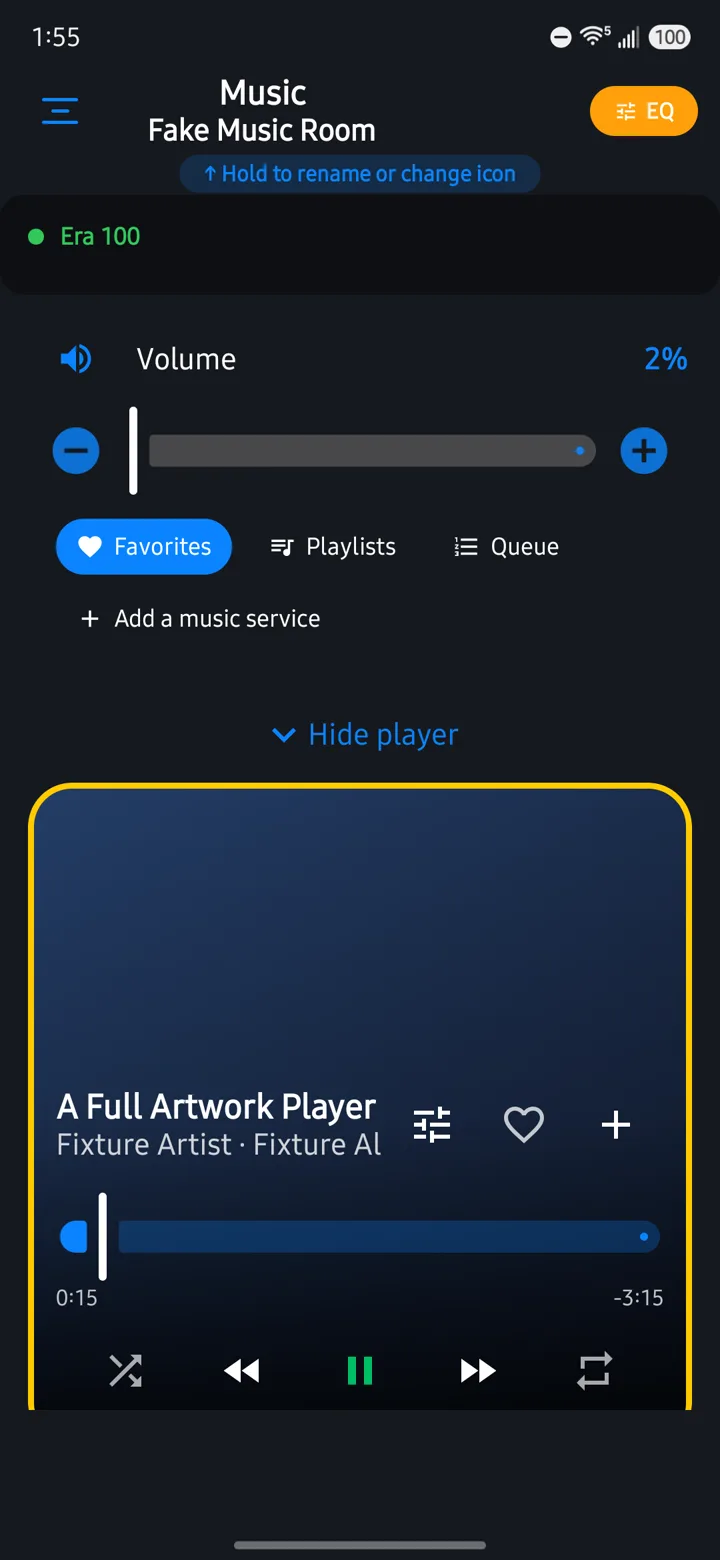
About a minute in Android 0.9 on a phone: a room and its source, presets, Speech Boost and the home theater levels, the speaker layout, grouping rooms, music, the queue, music services, Network health and the sleep timer. Test rooms and example music.
Straight from Android 0.9 on a phone. The rooms, speakers and tracks in these pictures are test rooms and example data.
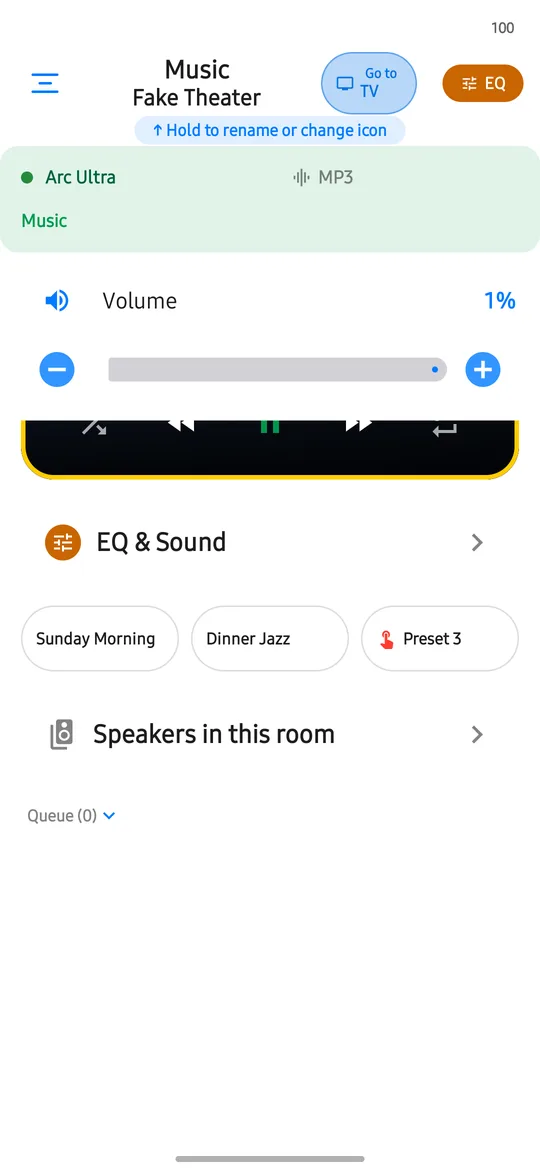
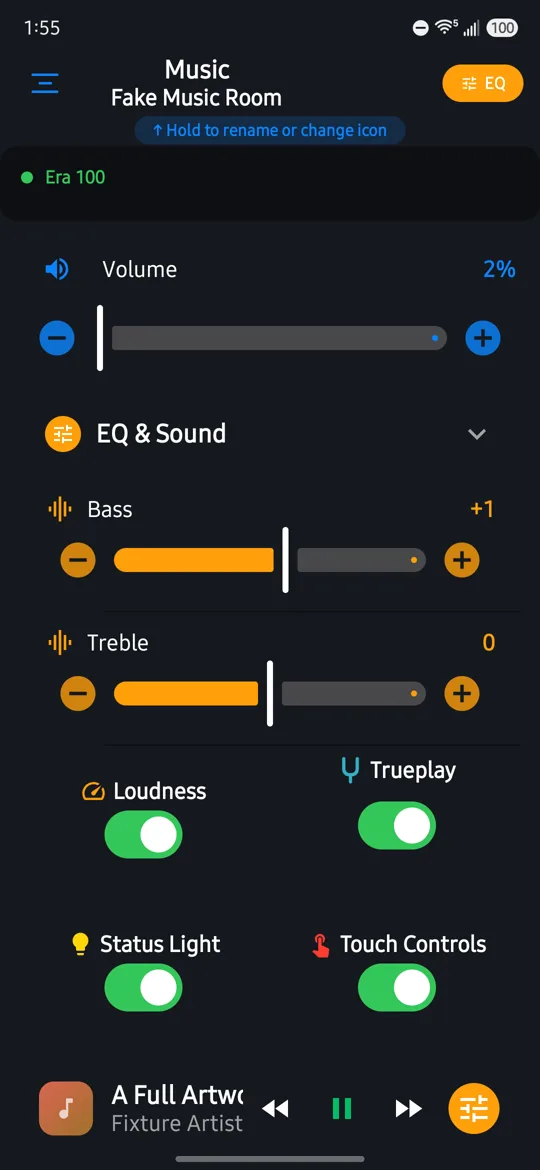
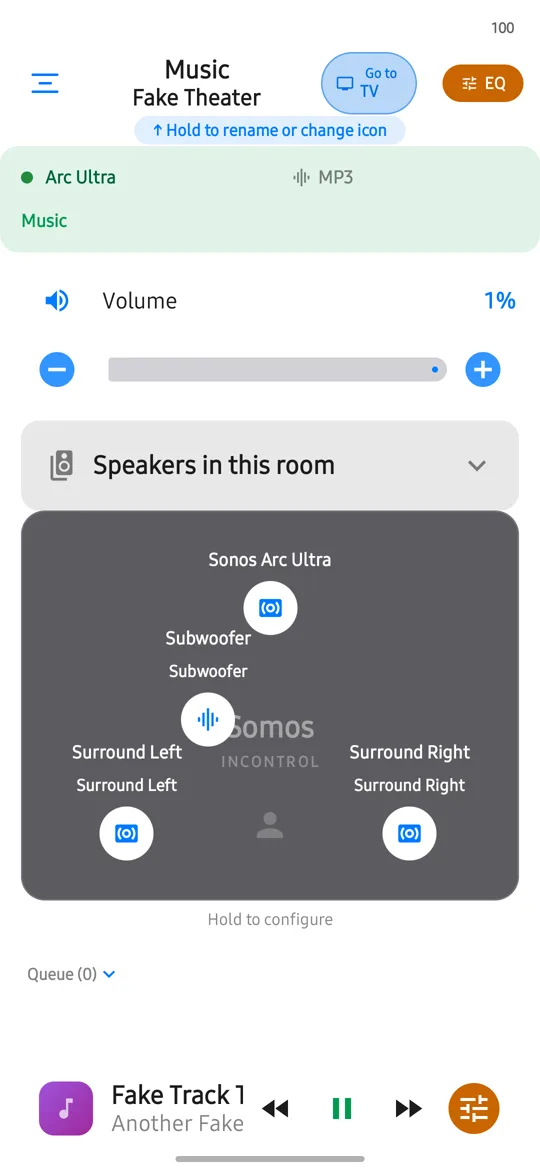
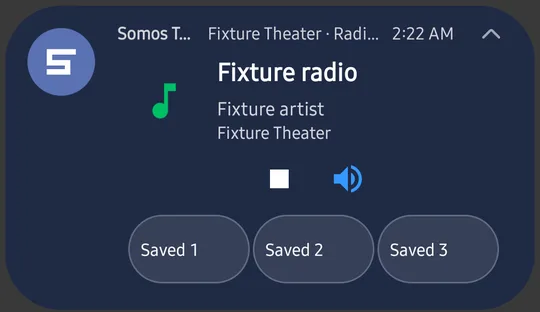
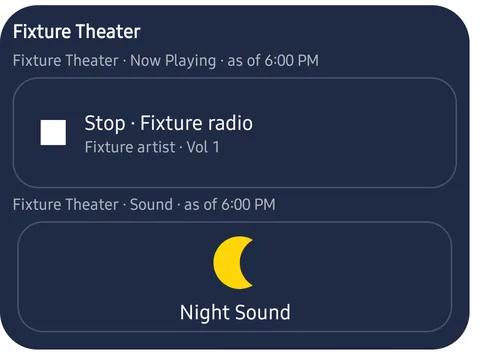
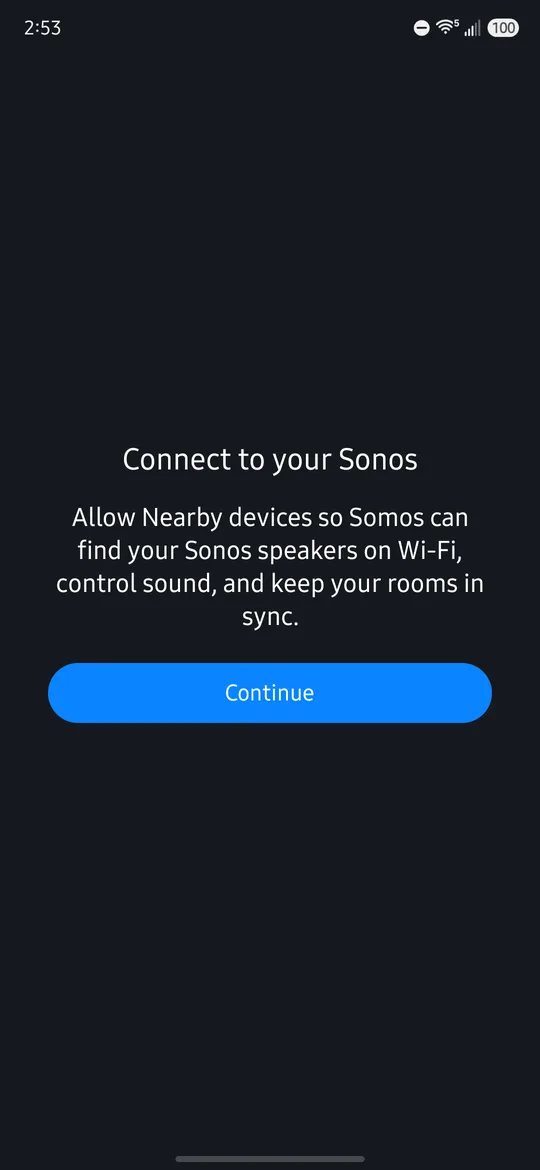
Same app idea, built the Android way. Where the two differ in 0.9:
| On Android | On iPhone |
|---|---|
| Nearby devices (Android 17 or later) and notifications (Android 13 or later) | Local Network and Bluetooth permissions |
| A notification card on the Lock Screen and in the shade | Live Activity and Dynamic Island |
| Three widgets: Presets, Mute, and Rooms & Volume | Home Screen widget |
| A dialog for the Sleep Timer, Android's own time and day editor for alarms | Sheets for both |
| Android's Material sliders, same controls and labels | iOS-style sliders |
| Every room has the full controls; no Whole Home purchase in this build | Whole Home purchase |
Somos for Android is in a closed test on Google Play now and is on its way to the store. Join the test today, or leave your email and wait for the store.
Stuck joining, or want to ask first? Testers can ask for early access through the contact form.
Rather not test? Leave your email and we'll send you one note when Somos is on Google Play.
Used for that one email and nothing else. See our Privacy Policy.
 Somos InControl